
Introduction: Why Quora Is the Perfect Place to Learn Website Building
Quora is an excellent platform to learn website building because it’s filled with real questions from real users. By reading expert answers, you can understand website creation, hosting, SEO, and design tips in simple terms. It’s like a free classroom where professionals share practical, experience-based insights.

When you browse Quora, you’ll notice hundreds of users asking:
“How do I create a website from scratch?”
“Can I make a website without coding?”
“What’s the best free website builder?”
These real-world questions reveal one thing — people want a simple, clear, and beginner-friendly guide to start their online journey.
This post gives you exactly that: step-by-step answers to build a professional website and grow your online presence like a pro.
Step 1: Choose the Right Website Builder
The first step is to select a website builder that suits your needs.
Here are some of the most popular and easy-to-use platforms:
| Platform | Best For | Learn More |
|---|---|---|
| WordPress.org | Blogging, SEO, full control | WordPress Setup Guide |
| Wix | Beginners & creatives | How Wix Works |
| Squarespace | Design-focused websites | Squarespace Tutorials |
| Shopify | Online stores & eCommerce | Start Selling Online |
| Hostinger Website Builder | Simple AI-based drag-and-drop | Hostinger Website Tips |
Internal Resource: Check out our Guide to Choosing the Right Website Platform for a detailed comparison between Wix, WordPress, and Shopify.
Pro Tip:
If you’re planning to run a blog or portfolio, go for WordPress.
For a sleek business website or brand, Squarespace or Wix is perfect.
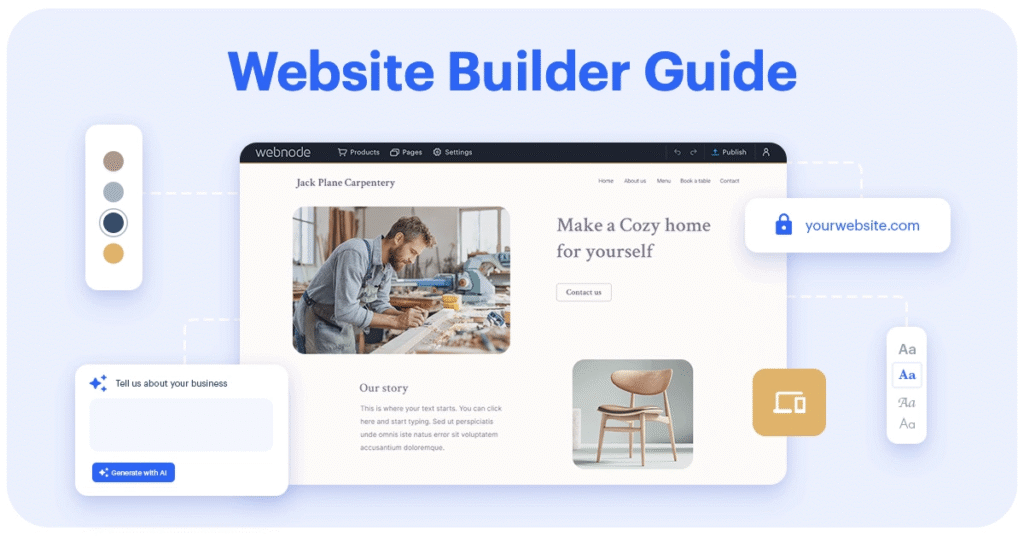
Step 2: Get a Domain Name and Web Hosting
A domain is your site’s address (like mywebsite.com).
Hosting is where your website’s data lives online.
Best Domain Registrars:
Top Hosting Providers for Beginners:
- Bluehost – Official WordPress partner
- Hostinger – Affordable & fast
- SiteGround – Excellent uptime & support
Internal Read: Beginner’s Hosting Comparison for 2025 – Learn how hosting speed impacts SEO.
Tip: Always choose a hosting provider that offers SSL certificates (HTTPS) — it’s vital for trust and SEO.
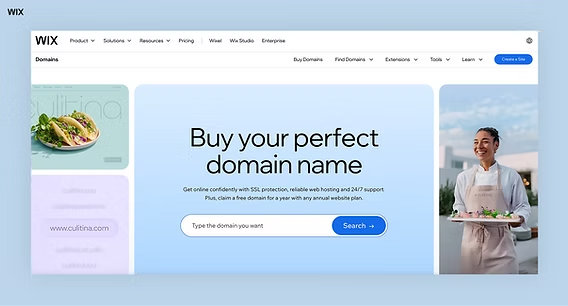
Step 3: Design Your Website
Once your domain and hosting are ready, it’s time to make your website visually appealing.
Choose a Theme or Template
Your theme defines your site’s overall look.
- For WordPress: Explore ThemeForest or Astra Theme.
- For Wix: Try their AI-driven Wix ADI templates.
- For Squarespace: Use built-in modern templates.
Customize Design
- Add your logo, brand colors, and navigation menu.
- Create pages like Home, About, Services, Blog, and Contact.
- Use free design tools like Canva to create banners or graphics.
Internal Tip: Visit our Branding Basics for Beginners to learn how colors and fonts influence user trust.
Step 4: Create Engaging Website Content
Great content converts visitors into customers.
Focus on Key Pages:
- Homepage: Explain what your site is about in one line.
- About Page: Tell your story — it builds credibility.
- Services/Products: Highlight what you offer.
- Blog: Share useful guides, tutorials, or updates.
- Contact: Add forms, location, and social media links.
Internal Article: How to Write SEO-Optimized Blog Posts
External Resource: Yoast SEO Content Writing Guide
Pro Tip:
Use headings (H2/H3) for structure and bold key phrases to guide the reader’s eye — just like this post!
Step 5: Add SEO Essentials
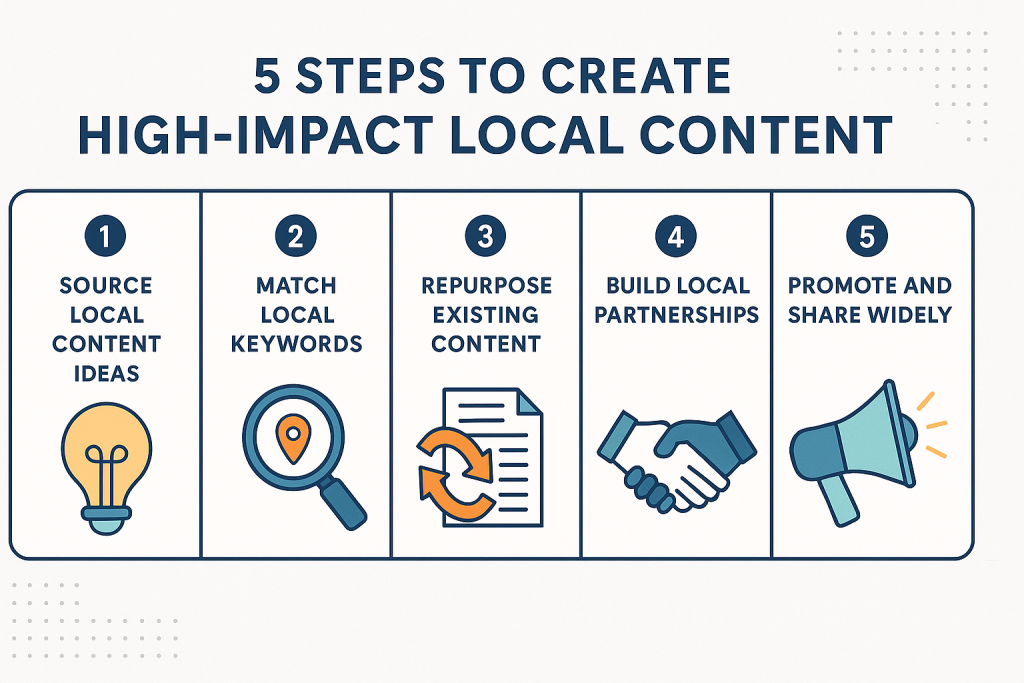
Your website won’t grow unless it’s visible on Google.
Here’s how to make it search-friendly:
- Add relevant keywords using tools like Google Keyword Planner.
- Optimize titles, meta descriptions, and image alt text.
- Interlink related articles — like linking this post to your Content Marketing Guide.
- Install Yoast SEO or Rank Math plugin if using WordPress.
- Submit your site on Google Search Console for indexing.
Internal Resource: SEO Checklist for New Websites
Step 6: Publish and Promote Your Website
After designing and optimizing, hit Publish!
Then start promoting your website.
Promote Using:
- Social Media: Share updates on Instagram, LinkedIn, Facebook.
- Guest Posting: Write for related blogs and link back to your site.
- Google My Business: Great for local visibility.
- Email Marketing: Use tools like Mailchimp or ConvertKit.
Internal Post: How to Drive Traffic to a New Website
Step 7: Track Performance and Keep Improving
A good website grows with regular updates.
Keep an eye on your analytics using:
- Google Analytics
- Hotjar – to see visitor behavior
- Ahrefs – for backlinks and keyword tracking
Internal Read: Guide to Understanding Website Analytics
Pro Tip:
Update your content every 2–3 months — Google favors fresh information.
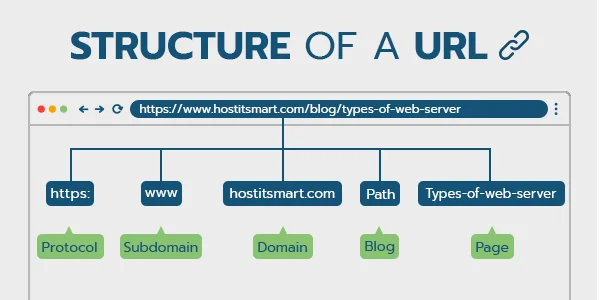
Bonus: Quora SEO Strategy for Website Traffic
You can use Quora not just for learning, but for driving traffic to your website.
Here’s how:
- Search questions related to your niche.
- Write valuable, detailed answers.
- Add a link to your relevant blog post (naturally).
- Keep your profile professional and niche-focused.
Conclusion: Your Website Is Your Digital Identity
Building a website today is easier than ever — you just need the right tools, structure, and strategy.
With platforms like WordPress, Wix, or Squarespace, and insights from Quora discussions, you can transform your ideas into a live digital brand.
Remember — your website isn’t just a project; it’s a reflection of your goals, skills, and creativity.
Start small, stay consistent, and watch your digital presence grow!
This article is for educational purposes. Some external links may include affiliate references, but recommendations are based purely on quality. Always verify pricing, hosting offers, and builder updates from official sources before purchase.
#WebsiteBuilding #QuoraSEO #DigitalMarketingTips #WordPressGuide #WixWebsite #SquarespaceDesign #StartYourBlog #OnlinePresence #WebDevelopment #EntrepreneurJourney #Carrerbook #Anslation #SEOForBeginners #ContentMarketing